


NookPop is built to make Animal Crossing: New Horizons item delivery simple.
After choosing the items you want, you complete checkout, enter your Dodo Code and island name, then wait for the automated delivery system to visit your island. When it is your turn in the queue, the system arrives, drops off your items, and leaves.
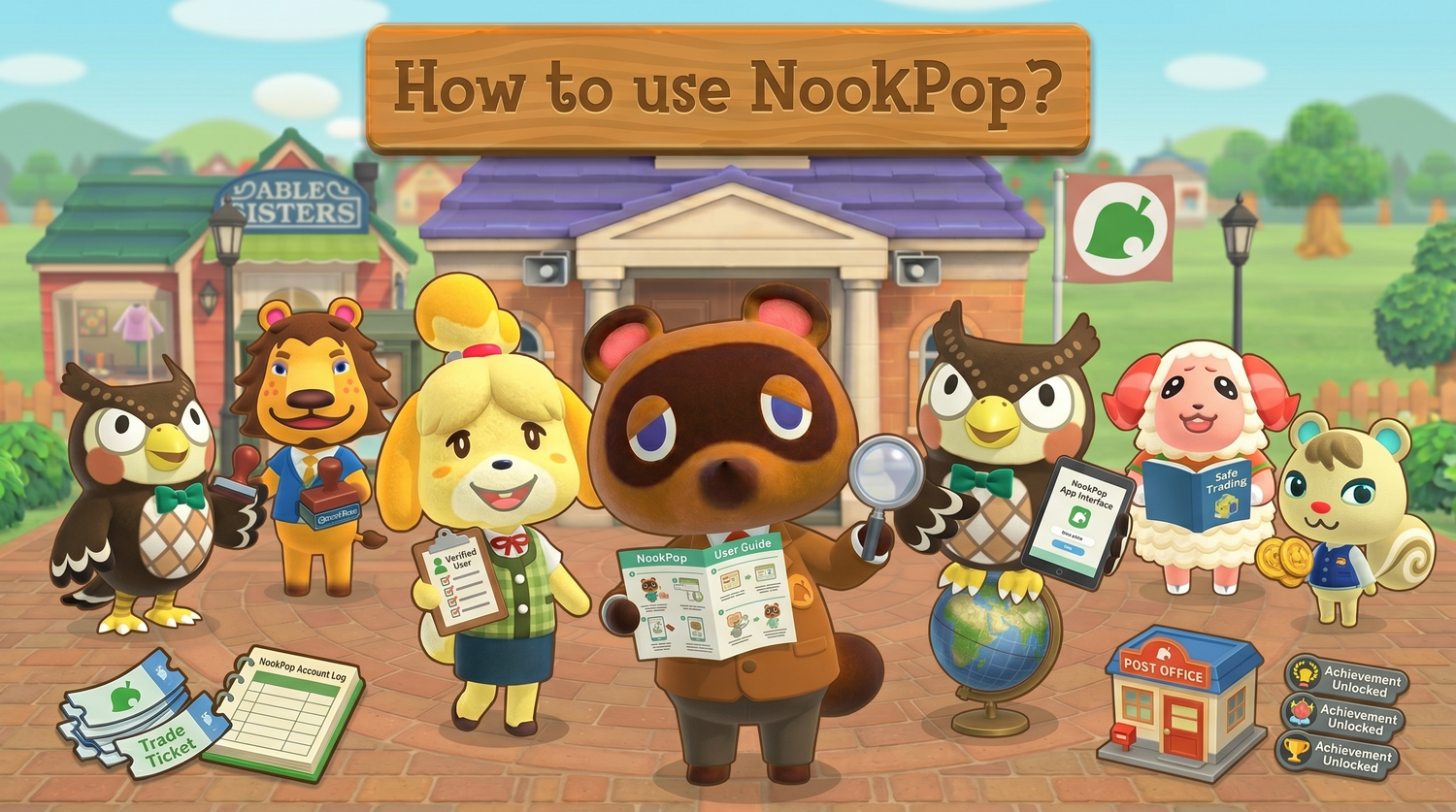
This guide explains how to use NookPop from start to finish.
Step 1: Choose the Animal Crossing items you want
Start by browsing NookPop and choosing the items you need for your island.
You can shop for popular Animal Crossing: New Horizons items such as Bells, Nook Miles Tickets, Furniture, Materials, Recipes, and more.
Bells are useful for house upgrades, bridges, inclines, moving buildings, shopping, and general island progress. Nook Miles Tickets are commonly used for villager hunting and mystery island trips. Furniture, materials, and recipes are helpful when decorating or building a specific island theme.
Add the items you want to your cart, then continue to checkout.
Step 2: Complete checkout
Once your cart is ready, complete your purchase through checkout.
After payment, you will be taken to the order claim page. This is where you provide the delivery details NookPop needs to visit your island.
Keep the page open and follow the instructions carefully.
Step 3: Get your Dodo Code in Animal Crossing
To receive your order, you need to open your island gate and get a Dodo Code.
Go to the airport on your island and speak with Orville. Choose the option to invite visitors through online play, then ask for a Dodo Code.
Once the game gives you the code, keep your gate open. Do not close the airport gate after generating the code, because the delivery system needs that code to enter your island.
Step 4: Enter your Dodo Code and island name
On the NookPop claim page, enter your:
-
Dodo Code
-
Island name
Make sure both are typed correctly before continuing.
A wrong Dodo Code, missing letter, closed gate, or incorrect island name can delay the delivery. The automated system can only visit your island if the code is valid and your gate is open.
Step 5: Join the delivery queue
After you submit your Dodo Code and island name, your order is added to the queue.
You do not need to message someone manually or arrange a delivery time. NookPop’s automated system handles the delivery when your turn comes up.
Most orders are delivered within 3 to 10 minutes when the Dodo Code is correct and the island stays open.
Step 6: Wait for the delivery system to arrive
While waiting, keep Animal Crossing open and stay connected to the internet.
Do not:
-
Close the game
-
Put your Switch into sleep mode
-
Close your airport gate
-
Change your Dodo Code
-
Leave the island session
-
Start another online activity that may interrupt visitors
When it is your turn, the automated delivery system will travel to your island.
Step 7: Collect your items
Once the delivery system arrives, it will drop off your items on your island.
Wait until the full order has been dropped. After the delivery is complete, the system will leave your island.
You can then collect your items and close your airport gate if you are done receiving visitors.
What if my delivery is delayed?
Most delays happen because the Dodo Code is incorrect, the island gate is closed, or the game connection is interrupted.
If your delivery is taking longer than expected, check that:
-
Your Dodo Code was entered correctly
-
Your island gate is still open
-
Your Switch is connected to the internet
-
Animal Crossing is still running
-
Your island is not full
-
You are not in a menu, dialogue, or cutscene that blocks visitors
If something was entered incorrectly, follow the instructions on the claim page or contact NookPop support for help.
How long does NookPop take?
NookPop is designed for fast Animal Crossing item delivery.
In most cases, orders are delivered within 3 to 10 minutes after the claim page is completed correctly. Delivery may take longer during busy periods or if the system cannot reach your island because of an incorrect Dodo Code or closed gate.
The fastest way to receive your order is to enter your details carefully and keep your island open.
What can you order from NookPop?
NookPop offers many Animal Crossing: New Horizons items.
You can order Bells, Nook Miles Tickets, Furniture, Clothing, Recipes, Garden, Holdables, Materials, Critters, Gyroids, Fencing, Artwork, Flooring, Food, Fossils, Music, Photos & Posters, Wallpapers, Collections, and 3.0.0 Update items.
Using NookPop is simple
NookPop works by combining a normal Animal Crossing Dodo Code visit with automated item delivery.
Choose your items, complete checkout, enter your Dodo Code and island name, keep your island open, and wait for the delivery system to arrive.
For a visual walkthrough, visit the NookPop tutorial page.